
Name-Based Case Searches
Match the name search to the system most likely to hold the matter. The Common Pleas eServices eAccess portal takes last and first name. You can add a middle name, suffix, company, case type, status, party role, or date ranges to narrow things down. Lawrence County Municipal CaseLook wants the Name or Company box filled in. Enter it as "last, first middle." Ironton and Probate keep their own separate CaseLook entries, so use those for their dockets.
- Identify the court from the notice, citation, case type, or jurisdiction.
- Enter the surname first and narrow by a date, case type, or party field when that portal supplies it.
- Open only the matching court result and read its docket entries, status, and hearing data.
- Call the court when a current result must be confirmed or when the correct court is uncertain.
| Field | Type | Required | Local notes |
|---|---|---|---|
| Name or company | Text | Varies | Municipal uses one criterion at a time. |
| Case type | Menu | No | Municipal choices include TR, CR, CV, and SM. |
| File or hearing date | Date | No | Available as a local narrowing field. |
| CAPTCHA | Check | Yes | Used on CaseLook searches. |
Lawrence County Court-First Searches
Ohio has no public statewide trial-court docket search that covers Lawrence County. The Supreme Court trial-court directory sends people to locally operated courts instead. So pick the court first. That means Common Pleas for felonies and civil matters above $15,000. Lawrence County Municipal Court handles its traffic, misdemeanor, preliminary-felony, limited civil, small-claims, and eviction docket. Ironton Municipal covers its own territory. Probate and Juvenile hold their separate records. A village ticket belongs to the named mayor's court. This split is why one name can pull up different cases in several systems, or nothing at all in a portal without jurisdiction. A court number, a citation, or the court name printed on the filing makes the first pick far more reliable. That beats a broad name search.
Case Number Searches
A case number is the identifier the court itself assigns. Clerk eServices help material shows the format YYYY CI NNNNNN for civil cases. Other cases use YYCCNNNNNN. Type the required number into that court's Case Number search. Local municipal and Probate CaseLook searches take a numeric case number. The limit is 12 characters. A citation number can be a separate searchable identifier. So hold onto both numbers when a ticket started the case. Never force a number from one court into another court's portal. A transfer, an appeal, a consolidation, or a mayor's-court appeal can give the receiving court a new number. It may differ from the original. Ask the clerk whether a related or appeal number exists.
Lawrence County eServices Acknowledgment
The Clerk eServices landing page puts a public-information acknowledgment in front of its public record search. It sits there before you reach any docket results. The acknowledgment describes the display as computerized records the Clerk maintains, and as public information. But it disclaims any warranty of accuracy and reliability. Attorney eFiling sits apart as a separate function for authorized users. Nobody needs it for a public docket search. The system supports name, case-number, case-type, advanced-attorney, and ticket or citation routes. Case-type, status, party role, result count, and date controls can shrink a large result set. An online case summary can locate a matter. But the Clerk Legal Department at (740) 533-4355 is the direct channel for Common Pleas verification and copies.
Case Search Results Explained
A Lawrence County Municipal record layout can include the case number, a docket-entries link, filing or charge information, the hearing date, time, type, status and status date, costs, fines, balance, disposition date, plea or finding, and judgment text. Treat these as fields to interpret. No local portal guarantees every field shows up the same way.
| Case number | The court's identifier for moving between the portal, clerk, and court counter. |
|---|---|
| Docket entries | A chronological history of filings, settings, orders, and actions. |
| Status and date | A current system label and its related date, which may lag a new action. |
| Hearing details | Date, time, and type of scheduled event when displayed. |
| Financial fields | Costs, fines, payments, and balance information in the local municipal layout. |
Lawrence County CaseLook Delay
CaseLook notices for Lawrence County Municipal, Ironton, and Probate or Juvenile all carry the same warning. Postings may lag a filing or judicial action by at least 24 hours. A no-result right after a new filing is not necessarily a search failure. Keep the court name and identifier. Wait out the stated posting window where that makes sense. Ask the court to confirm anything time-sensitive. The same warning means a portal is not the court's certified record. A case history can help you pin down a document, date, status, or the current court. Then the specific court office can handle a focused request. For the fuller document and certified-copy picture, see Lawrence County court case records.
Two Ways to Search: County and State
The county route is not a statewide search versus a statewide alternative. Ohio keeps its public trial-court system locally operated for Lawrence records. The state level supplies court directories and rules. The working case-search routes remain the Clerk eServices. The separate Municipal CaseLook portals, Probate or Juvenile CaseLook, and court-specific mayor's-court searches round them out.
| Search route | What it covers | Best use |
|---|---|---|
| Lawrence Clerk eServices | Common Pleas records | Felony, major civil, and related Common Pleas research. |
| Municipal CaseLook | Each municipal court's own cases | Traffic, misdemeanor, and limited-jurisdiction matters. |
| Probate or Juvenile CaseLook | Those co-located but separate courts | Probate case types and eligible public juvenile information. |
| Mayor's court portal | Named village court matters | Tickets or ordinance cases that name that court. |
Lawrence County Citation Searches
If all you have is a citation, start with the court named on it. Clerk eServices runs a ticket or citation search. You can search by ticket number, driver license and state, or vehicle plate and state. Ironton CaseLook has a ticket-number field. The Coal Grove official docket offers ticket number, case number, name, offense-date, and court-date fields. Keep in mind the case number may differ from the citation number. Proctorville and certain other village mayor's courts post no confirmed official public docket URL. Use the ticket-named court and its listed phone line rather than guessing at a portal. The Lawrence County Municipal contact channel lists mayor's-court telephone routes. The villages covered are Athalia, Chesapeake, Coal Grove, Hanging Rock, Proctorville, and South Point.
Lawrence County Probate Search Channel
Probate and Juvenile share a courthouse in Lawrence County. Yet each keeps its own record stream. Their CaseLook docket search takes a name or company, a numeric case number, a file date, a case type, and a result count. Expect a CAPTCHA before results load. Probate case types cover PC Civil, PE Estate, PG Guardianship, PR Marriage, PM Miscellaneous, and PT Trusteeship.
Juvenile confidentiality is a real boundary in this docket search. A result that comes back empty may point to a restricted record. It may not mean there is no case at all. Both courts sit at 111 S. 4th Street in Ironton. Each answers its own line: Probate at (740) 533-4343, Juvenile at (740) 533-4372.
Which Cases Stay Restricted
Ohio law keeps some court records off limits. Rules of Superintendence 11.10 through 11.14 let a filer omit personal identifiers. They also allow restricting access by written motion or order. Juvenile-probation records stay confidential under R.C. 2151.14. Lawrence Probate Local Rule 55.2 bars records confidential by law or court order from ordinary public access. Sealed or expunged criminal records follow a separate track under R.C. 2953.32.
A missing portal hit proves nothing about a person's history. First confirm which court has jurisdiction. Then run that court's own docket search. Finally, ask the clerk or court about the proper access process. A court office can walk you through procedure. A request alone will not unlock a confidential record.
Lawrence County Portal Verification
Treat any public portal as a locating tool for one court, never as the last word. eServices disclaims any warranty on computerized public data. CaseLook portals warn that postings lag. When a status is disputed, a court date matters, or you need a filed document or certified copy, confirm with the office that keeps the record: Common Pleas Legal at (740) 533-4355, County Municipal at (740) 867-3127, Ironton at (740) 532-3062, Probate at (740) 533-4343, or Juvenile at (740) 533-4372.
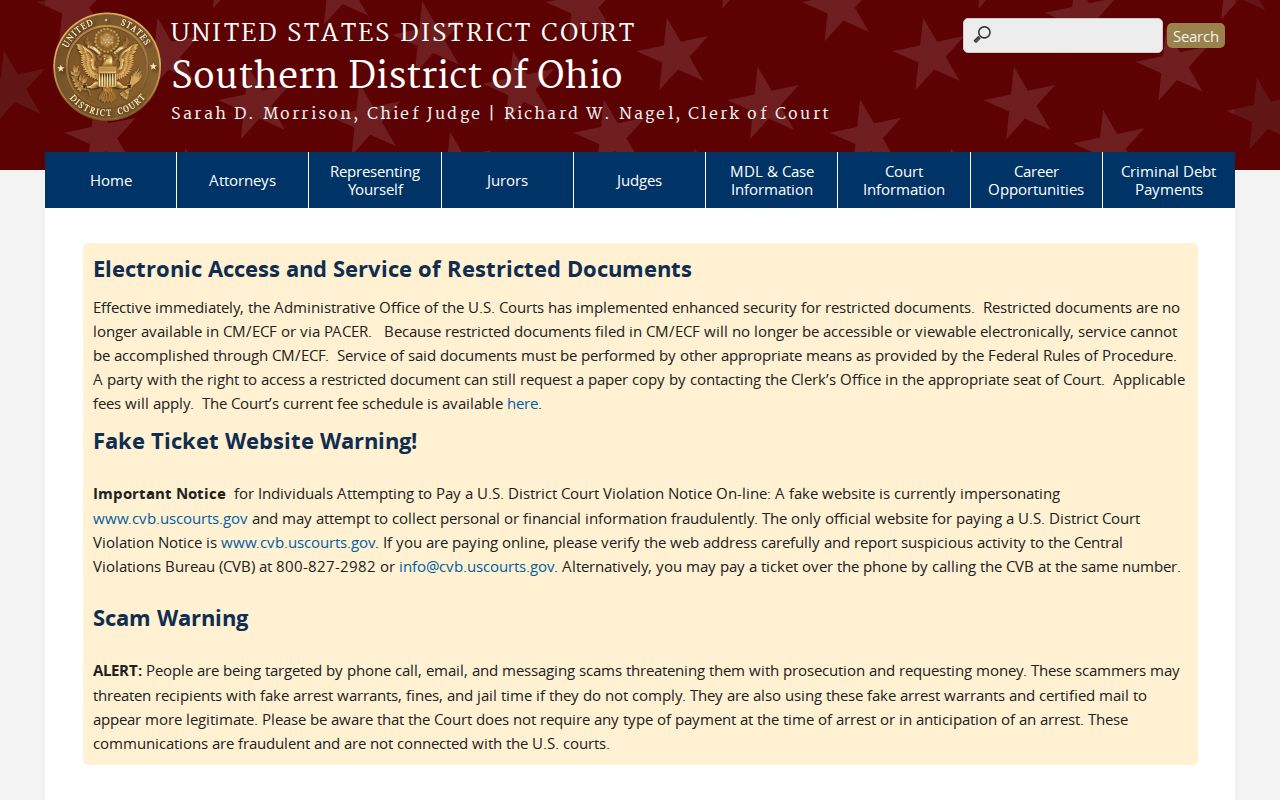
Federal filings are a different animal. A Southern District of Ohio source shows how federal court files run on their own system, apart from Lawrence County records. A federal case belongs in the federal channel, not in a Lawrence County case search. The custody distinction is the whole point: each court docket answers to its own keeper.
Match the court to the case first. Then confirm any result with that court or its clerk.